Pen RF Detector for Hidden Cameras & GSM Bugs
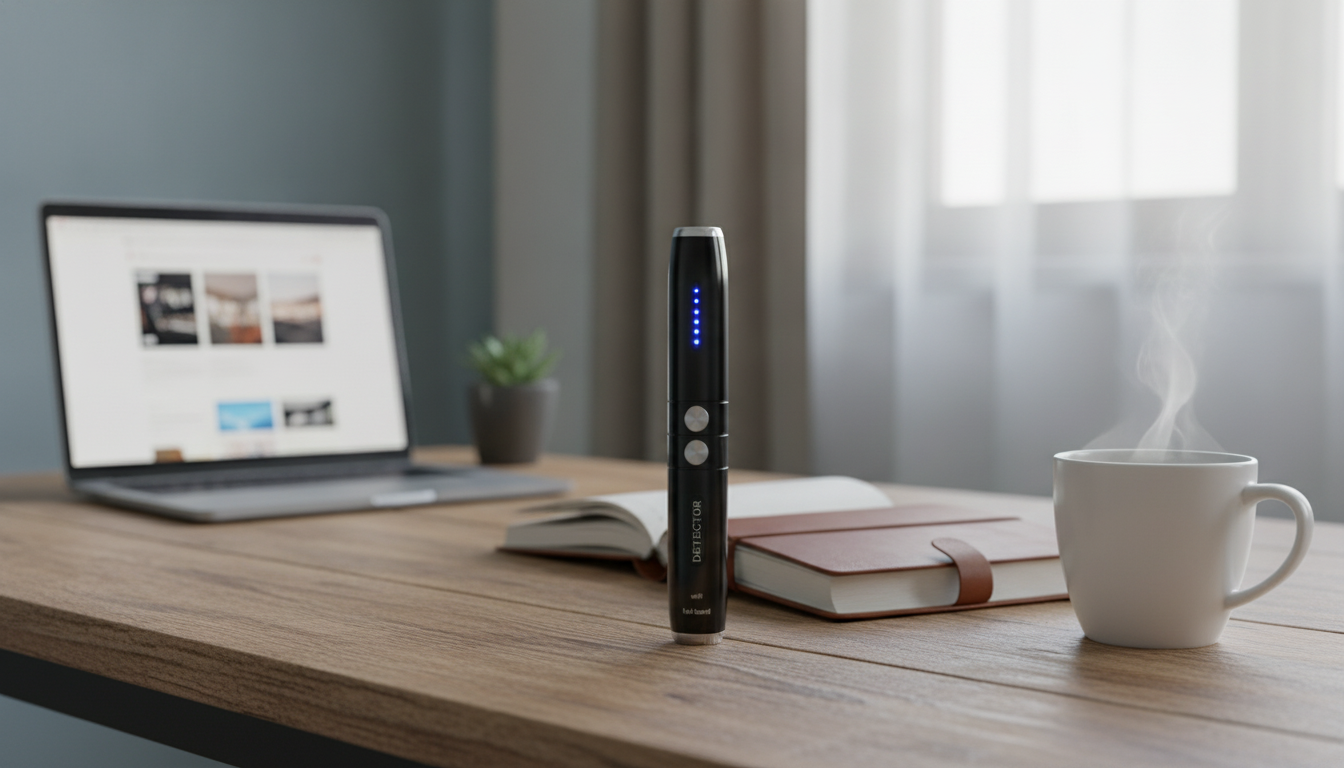
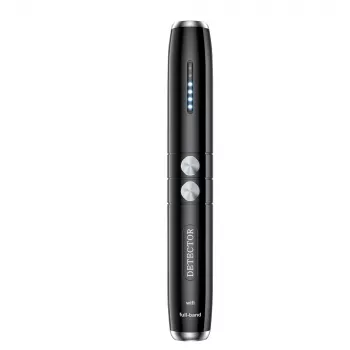
Wireless RF Signal Detector Hidden Camera & GSM Bug Finder Pen
This pen-style RF signal detector is designed to help spot suspicious wireless activity from common sources like hidden cameras and GSM audio bugs. Its compact form makes it easy to carry for quick checks in hotel rooms, rentals, offices, cars, and other everyday environments where privacy matters.
What This Pen-Style Detector Is Meant to Do
- Helps identify nearby wireless transmissions that may indicate covert devices such as camera transmitters or GSM-based listening bugs.
- Pen-shaped form factor for discreet carry and quick spot checks during travel or daily routines.
- Useful as an added layer of awareness alongside physical inspection (checking vents, smoke detectors, power adapters, mirrors, décor items).
Think of it as a “signal awareness” tool: it can alert you to active RF activity in the area so you can narrow down where to look more carefully. Used with a calm, methodical process, it can help you avoid overlooking a device that’s currently transmitting.
Common Situations Where It Can Be Useful
- Travel stays: quick sweeps of bedrooms and bathrooms, especially around chargers, clock radios, and wall outlets.
- Short-term rentals: checking high-risk placements like TV areas, decorative items on shelves, and Wi‑Fi router vicinity.
- Workspaces: meeting rooms where confidential discussions occur.
- Vehicles: checking for unusual electronics under seats, in glove compartments, or near power ports.
- Personal safety: confirming whether a suspicious device is actively transmitting.
In dense environments (apartments, offices, conference spaces), legitimate signals can be everywhere. The detector is most helpful when you’re trying to answer a practical question: “Is something near this specific object actively transmitting right now?”
How to Use It for a Practical Room Check
1) Start with a baseline
Before scanning, reduce avoidable noise. Move away from obvious transmitters or disable them temporarily (phone hotspot, smartwatch radios, Bluetooth headphones). A cleaner baseline makes sudden spikes easier to interpret.
2) Scan methodically, not randomly
Move slowly along walls, outlets, and objects while watching for changes in indicator strength. A consistent pace helps you notice patterns—steady strong signal near a router versus a sharp jump near one suspicious item.
3) Re-check after isolating
If readings spike in one area, power down nearby known devices and repeat to confirm. For example, if the signal jumps near a nightstand, turn off Bluetooth on your phone and re-scan the same spot.
4) Pair it with a physical search
Use the RF reading as a lead, then look for visual clues: pinholes, oddly placed décor aimed at a bed/sofa, unfamiliar adapters, modified smoke detectors, or “new” items that feel out of place.
5) Document suspicious findings before touching
If one item consistently creates a strong peak, take photos and notes before moving it. Documentation can be useful if you need to report to property staff, workplace security, or local authorities.
What It Can and Can’t Detect
- Can indicate the presence of RF activity in the area, which may be caused by legitimate electronics or by covert transmitters.
- May help locate hotspots of signal strength by moving closer to the source.
- Cannot confirm intent: a strong signal could come from a router, Bluetooth device, baby monitor, or other normal equipment.
- Will not reliably detect non-transmitting items (powered-off cameras, local-storage cameras, or purely wired devices).
- Performance can be affected by dense electronics environments (apartments, offices) where many signals overlap.
| Scenario | Typical Reading Pattern | Next Best Step |
|---|---|---|
| Near a Wi‑Fi router or hotspot | Consistent strong readings that decrease as distance increases | Note the location, then scan the room away from the router to find other peaks |
| Near a Bluetooth device (earbuds, speaker) | Short spikes that change as devices connect/disconnect | Disable Bluetooth on nearby devices and re-check |
| Suspicious object (decor, charger, clock) causing a sharp peak | Signal jumps noticeably when the pen approaches a single item | Unplug or move the item (if safe) and scan again; consider reporting if it remains suspicious |
| Camera stored locally (no RF transmission) | No meaningful RF change during scan | Do a careful visual inspection for lenses, memory card slots, and power sources |
Tips to Reduce False Alarms
Care, Storage, and Everyday Carry
When to Escalate a Concern
For additional consumer guidance on radio devices and interference, review resources from the Federal Communications Commission (FCC). For broader privacy and security hygiene, the Federal Trade Commission (FTC) and the Electronic Frontier Foundation (EFF) provide practical, plain-language information.
Extra Travel-Friendly Picks (In Stock)
- Nature’s Healing Power Checklist: Boost Your Mental Health with the Benefits of Nature for a simple reset routine after long travel days.
- DIY 3D Owl Clock Wooden Model Kit – Creative Puzzle Assembly Toy for Adults & Kids for screen-free relaxation in the evening.
- Vinyl Record Player C260, 3-Speed Bluetooth Vintage Turntable with Speakers for at-home decompression between trips (note: Bluetooth devices can create scan spikes, so disable Bluetooth during checks).
FAQ
Can it detect hidden cameras that record to an SD card without transmitting?
Not reliably. RF detectors primarily react to active wireless transmissions, so a local-storage camera that isn’t sending a signal may not trigger readings; a careful visual inspection is still essential.
Why does it show a signal in a normal room with no hidden devices?
Many legitimate devices transmit RF signals, including Wi‑Fi routers, smart TVs, Bluetooth accessories, smart speakers, and even nearby apartments’ equipment. Try airplane mode, disable Bluetooth, and scan away from known transmitters to see whether the reading follows a normal source.
How can a suspicious reading be confirmed without damaging property?
Re-scan after turning off nearby known devices, then test by safely unplugging or moving a portable item (like a charger or clock) and scanning again. Take photos and notes and report concerns rather than dismantling anything.














Leave a comment