Minimalist Cable Management for a Clutter-Free Desk
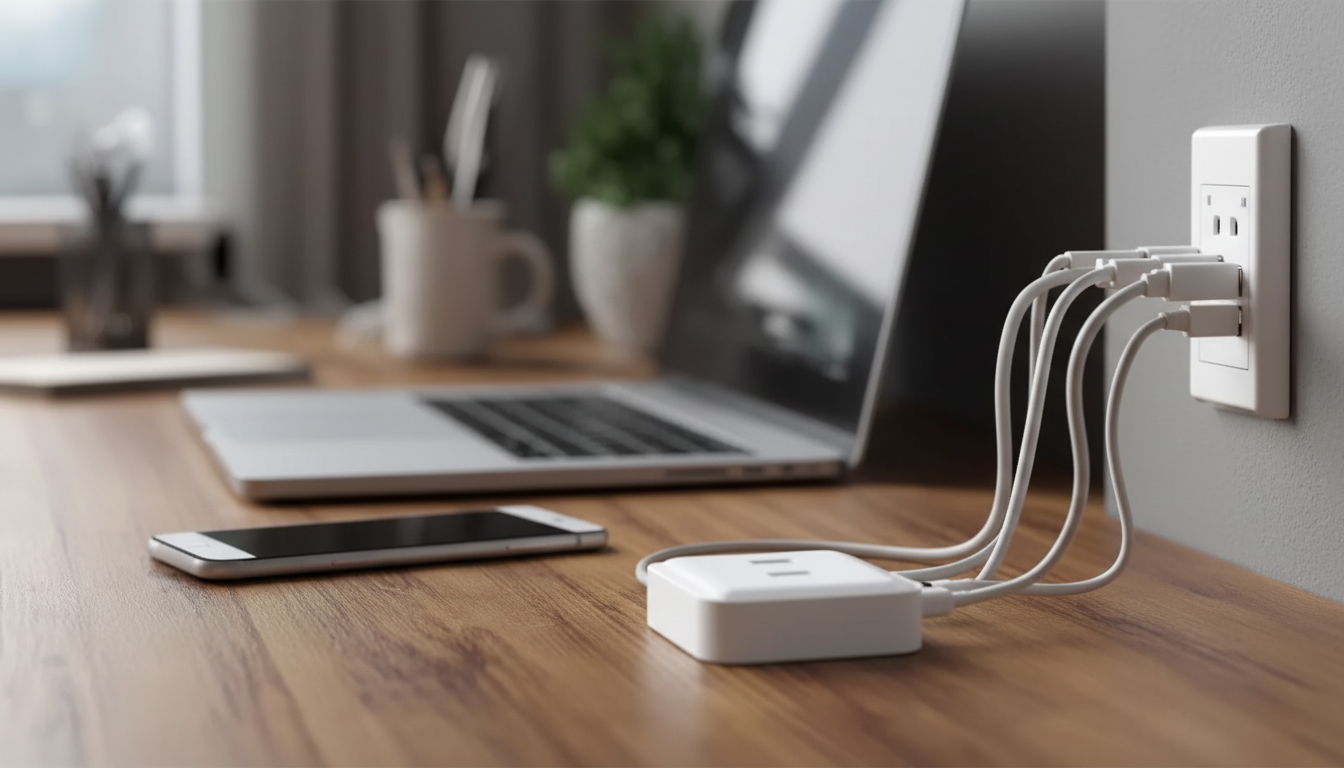
Tidy Tech Life Made Simple: A Minimalist Checklist for Organizing Cables and Electronics
Cable clutter and device overload quietly drain time and focus—especially in a home office. A minimalist approach makes it easier to find the right charger, keep surfaces clear, and prevent duplicate purchases. The flow below follows a practical rhythm—sort, simplify, label, and maintain—so your setup stays functional for small desks, shared workspaces, and multi-device households.
Start With a Quick Tech Inventory
Before buying organizers or rerouting anything, pull the mess into the open. Gather cables, chargers, adapters, power strips, batteries, peripherals, old phones, and every “mystery cord” into one spot. Set a 20–30 minute timer so the task stays light and you don’t spiral into perfectionism.
Create three piles:
- Keep: used weekly/monthly
- Store: rarely used but still needed
- Remove: broken, duplicate, unknown
As you sort, note where tech actually lives (desk, living room, bedside, travel bag). Organization works best when it mirrors real habits—not where you wish things lived.
Define What “Minimalist” Means for Your Setup
Minimalist doesn’t mean owning one cable. It means reducing decisions and making resets easy after a busy day.
- One charging station per zone: a primary desk station plus one shared household spot prevents charger “drift” across rooms.
- Pick a default standard: use USB-C where possible and retire older device-specific cables once the device is gone.
- Limit “just in case” tech: keep a small backup kit (one spare cable, one spare charger, one spare adapter) instead of a packed drawer.
- Skip perfect symmetry: aim for fewer steps and fewer decisions, not a showroom layout.
Sort Cables and Electronics by Function (Not by Where They Were Found)
Sorting by function creates a system you can remember later. Group items into categories like charging, data/video, audio, network, power, and adapters/dongles. Then identify duplicates and keep only what supports today’s devices.
Cable categories and what to keep
| Category | Common examples | Keep for a minimalist desk | Store separately |
|---|---|---|---|
| Charging | USB-C, Lightning, micro-USB | 1–2 daily-use cables + 1 spare | Older standards tied to legacy devices |
| Display/Data | HDMI, DisplayPort, USB-A to USB-C | Only what matches current monitor/hub | Extra cables for travel or presentations |
| Network | Ethernet | 1 cable if wired connection is used | Long runs and spare patch cables |
| Power | Laptop bricks, AC cords | Current device chargers only | Backup chargers labeled by device |
| Audio | 3.5mm, RCA, adapter dongles | Only what’s used with current headphones/speakers | Specialty audio adapters and duplicates |
When trimming duplicates, keep the shortest cable that reaches comfortably (less slack, fewer tangles), plus one longer option for flexibility. Match cables to the devices they support (printer, monitor, external drive) so you’re never guessing again. And remove anything unsafe: frayed insulation, bent connectors, or loose ports. For basic electrical safety guidance, reference the National Fire Protection Association (NFPA).
Build a Simple Labeling System That Sticks
Labeling is what makes “tidy” stay tidy. Focus on the cables you unplug often (monitor, docking station, printer) and label both ends so you don’t pull the wrong line.
- Use plain-language labels: device name + location (example: “Desk Monitor,” “Printer Shelf,” “Travel Charger”).
- Color coding is optional—keep it minimal so it doesn’t become another system to manage.
- Create an “unknown” quarantine bag. If something stays unidentified for 30 days, it’s a strong candidate for removal.
Fast labeling options and best uses
| Label method | Best for | Pros | Watch-outs |
|---|---|---|---|
| Wrap-around cable tags | Cables unplugged often | Readable from both ends | Can slide if not tightened |
| Heat-shrink labels | Permanent desk wiring | Clean and durable | Requires planning before routing |
| Painter’s tape + marker | Quick triage during sorting | Cheap and immediate | Replace later for durability |
| Label maker | Stations and bins | Consistent, professional look | Over-labeling can slow progress |
Tame the Desk: Route, Anchor, and Hide Without Overbuilding
Create Storage Zones: Desk Kit, Travel Kit, and Archive Box
Use a container rule: if a bin is full, something must leave before anything new enters. For old electronics you’re ready to remove, follow safe disposal guidance from the Federal Trade Commission.
Maintenance: The 5-Minute Weekly Reset
Retire “temporary” fixes: replace worn cables before they cause connection dropouts or safety issues. Schedule a quarterly drawer audit to prevent slow re-accumulation. If you’re also consolidating devices or backing up data during a cleanup, the NIST security basics are a helpful reference for keeping devices and information protected.
A Guided Checklist for Faster Progress
If decisions start to feel repetitive (keep/store/remove, label/route/reset), a structured checklist helps you finish without stalling. The Tidy Tech Life Made Simple | Digital Checklist for How to Organize Cables and Electronics | Minimalist Tech Decluttering Guide for Home Office Setup walks through the process from inventory to labeling to maintenance, especially useful for multi-device desks with frequent plug/unplug cycles.
For a calmer routine around your workspace (especially after a reset day), Nature’s Healing Power Checklist: Boost Your Mental Health with the Benefits of Nature can pair well with tech decluttering by keeping breaks simple and intentional.
FAQ
How many cables should be kept for a minimalist home office?
Keep only what supports your current devices, plus one spare for your most-used charging standard. Store specialty or legacy cables in a clearly labeled archive box so they don’t drift back onto your desk.
What’s the quickest way to identify mystery cables?
Put them in a quarantine bag, test them with the devices you still use, and label anything you confirm right away. If a cable can’t be identified within 30 days, remove it to prevent re-cluttering.
How can desk cables stay tidy when devices move around often?
Anchor the daily cables with simple clips so they don’t fall behind the desk, and keep one quick-access cable on the surface. Store the rest in a nearby labeled drawer or bin so resets take seconds.
















Leave a comment