Mini RC Drone: HD Camera, 360 Flips, One-Key Return
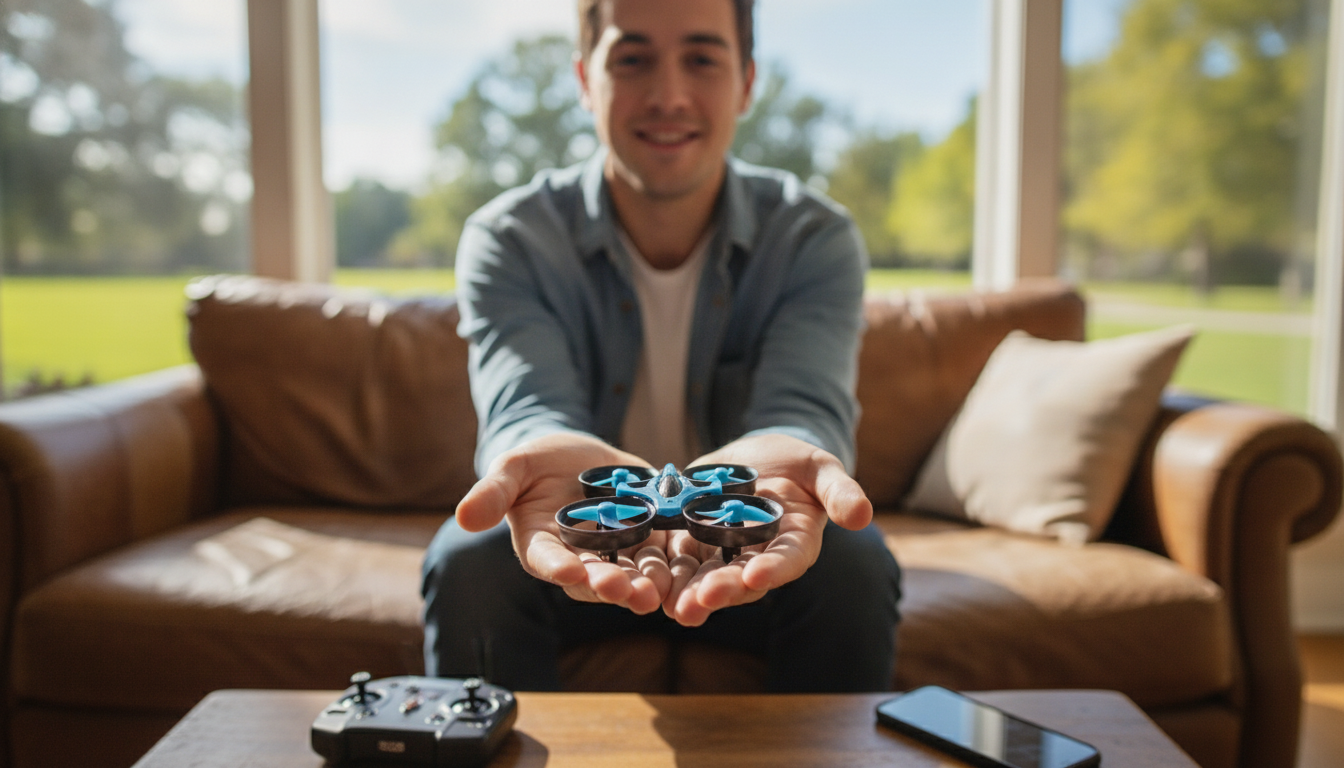
Mini RC Drone with HD Camera and 360° Flip: Simple Controls, Fun Flights
A compact drone can be one of the easiest ways to start flying while still capturing casual HD clips. This mini RC drone pairs a built-in HD camera with quick maneuvers like 360° flips, plus practical features such as a stable 2.4G connection and a one-key return for less stressful recovery when the drone’s orientation gets confusing.
What This Mini Drone Is Best For
- Beginner-friendly flights in living rooms, backyards, and open parks
- Quick practice sessions: takeoff, short hovering, basic turns, and safe landings
- Capturing casual overhead views and fun action clips without bulky gear
- Kids and adults who want simple controls rather than complex setup
Because the drone is small and quick to launch, it fits into everyday moments—ten minutes of hovering practice after work, a weekend backyard session, or a family “stunt flight” challenge once basic control starts to feel natural.
Key Features at a Glance
- HD camera for lightweight photo/video capture
- 360° flip function for instant stunt moves once stable in the air
- 2.4G remote control to reduce interference and improve responsiveness
- One-key return to help guide the drone back when orientation is confusing
- Mini form factor that’s easy to store, carry, and launch quickly
Feature Summary
| Feature | What it does | Why it helps |
|---|---|---|
| HD camera | Records basic aerial footage | Adds replay value and helps learn flight paths |
| 360° flip | Performs a full rotation stunt | Makes practice more fun once hovering is steady |
| 2.4G remote | Maintains a stable control link | Fewer dropouts in typical home/park environments |
| One-key return | Assists with return direction | Reduces panic when the drone drifts or faces the wrong way |
| Mini size | Lightweight, portable build | Convenient for quick flights and tighter spaces |
How to Get Smooth, Stable Flights
- Start in a low-wind area: indoor open space or a calm outdoor day reduces sudden drift
- Practice hovering first: hold altitude steady before attempting flips
- Use gentle stick inputs: small corrections prevent oversteering and wobble
- Keep the drone in front at eye level: improves orientation and control confidence
- Do flips only with clearance: give extra room above and around the drone
A helpful routine is “lift, hover, turn, land.” Take off to a comfortable height, hold a steady hover for a few seconds, try small left/right yaw turns, then land intentionally. Repeating those basics builds muscle memory much faster than chasing the drone around the room.
Using One-Key Return Without Surprises
- Use it early, not late: activate return before the drone is far away or low on power
- Keep a clear landing zone: return works best when there are no obstacles nearby
- Maintain line of sight: helps adjust manually if the drone approaches at an odd angle
- Treat it as assistance: be ready to correct direction and land smoothly
One-key return is most useful when orientation flips in your mind—like when the drone is facing you and left/right controls feel swapped. Use return to re-establish a predictable path, then resume gentle manual control to finish the landing where you want it.
Camera Tips for Better Clips
- Fly slower when filming: steady movement looks cleaner than fast zigzags
- Plan a simple route: a circle around an object or a gentle forward pass is easier to watch
- Avoid pointing at direct sun: reduces washout and glare
- Clean the lens area before flight: fingerprints can soften the image quickly
- Record multiple short takes: easier to keep the best moments
For quick “highlight reel” footage, try two classic shots: a smooth forward pass over a yard feature (tree, patio, or play set), and a slow orbit around a single point of interest. The simplest moves often look the most impressive on playback.
Care, Safety, and Where to Fly
For U.S. recreational guidance, review the FAA’s safety resources before flying outdoors: FAA — Recreational Flyers & Safety Guidelines. If traveling or flying in Europe, the open-category overview is a useful starting point: EASA — Drone Regulation and Open Category Overview.
Product Options Available Now
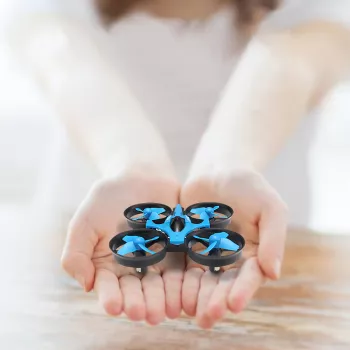
- Mini RC Drone with HD Camera, 360° Flip, 2.4G Remote Control, One-Key Return — budget-friendly entry point for casual flying and basic aerial recording, with simple controls for learning core skills like hovering, orientation, and controlled landings.
- DIY 3D Owl Clock Wooden Model Kit – Creative Puzzle Assembly Toy for Adults & Kids — a hands-on build that pairs well with “screen-free” hobby time when the weather isn’t great for flying.
- Vinyl Record Player C260, 3-Speed Bluetooth Vintage Turntable with Speakers — an easy way to set a relaxed vibe for indoor practice sessions and reviewing your best flight clips afterward.
FAQ
Is a mini drone with an HD camera suitable for beginners?
Yes—mini drones tend to be easier to handle in smaller spaces, and straightforward controls reduce the learning curve. Start with short, low-wind flights focused on hovering and gentle turns, and use one-key return as a backup when you get disoriented.
How does one-key return work on a small RC drone?
One-key return is an assistance feature that helps guide the drone back in a more predictable direction. Activate it early while you still have clear line of sight, and be ready to take manual control to adjust the approach and land smoothly.
When should the 360° flip feature be used?
Use flips after you can hover steadily and keep the drone in control for several seconds without wobbling. Make sure there’s plenty of clearance above and around the drone, and avoid flips in wind or when the battery is running low.












Leave a comment