Powerful Cordless Air Duster: Clean PCs, Desks & Vents
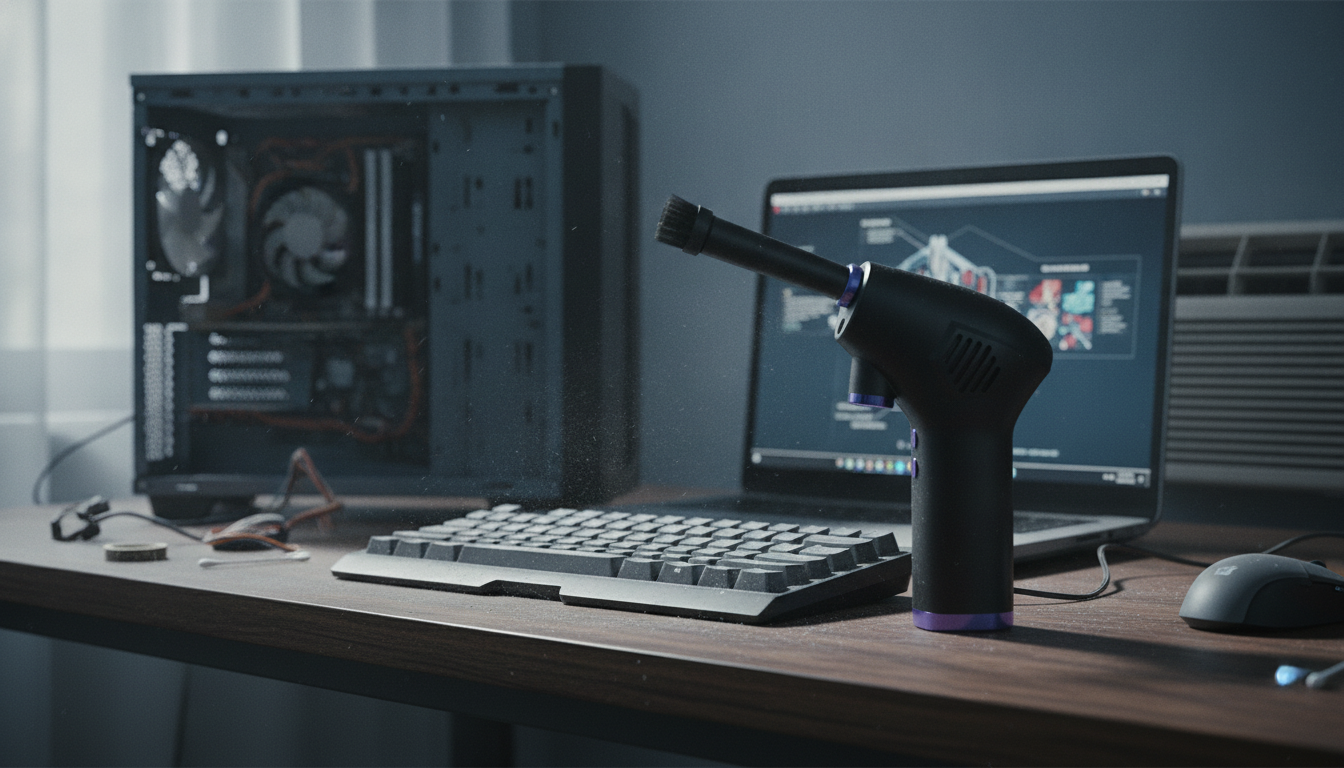
Powerful Cordless Air Duster for Clean Desks, PCs, and Hard-to-Reach Spaces
A cordless air duster offers a fast way to clear dust from keyboards, computer towers, vents, and small crevices without buying disposable cans. With the right technique, it’s a simple tool for routine upkeep—especially in homes with pets, carpet, or busy workstations where lint and crumbs show up quickly.
What a Cordless Air Duster Does Well
Think of a cordless air duster as a portable blast of focused airflow. It’s best at pushing dry debris out of places that brushes and wipes can’t reach.
- Blows dust out of tight gaps: key switches, laptop hinges, fan grilles, and car vents.
- Works best for dry debris (lint, crumbs, light dust) rather than sticky residue.
- Helps restore airflow in dusty intake areas (PC cases, console vents, air purifiers) when paired with basic filter/fan maintenance.
- Cuts down on recurring purchases compared with single-use canned air for frequent cleanups.
- Useful for hobby and workshop tasks like cleaning sawdust from tool housings or clearing debris from 3D-printer rails (when powered off).
| Tool | Best for | Advantages | Trade-offs |
|---|---|---|---|
| Cordless air duster | Keyboards, PCs, vents, crevices | Reusable, portable, no cold propellant blast | Needs charging; avoid spinning fans at high speed |
| Canned air | Occasional spot cleaning | Convenient, no charging | Ongoing cost; can discharge cold propellant; waste |
| Vacuum (with brush/ESD-safe attachments) | Dust removal from surfaces and floors | Actually captures dust rather than redistributing | Can be bulky; risk of snagging small parts without proper tools |
| Soft brush + microfiber | Screens, exterior surfaces | Gentle, controlled, low noise | Slower for tight internal crevices |
Everyday Cleaning Scenarios
Most people get the most value from a cordless air duster when it lives close to the mess—at the desk, in a workshop shelf, or near the entryway for quick resets.
- Desk setup refresh: blow debris away from keyboards, mouse feet, and docking stations before wiping surfaces.
- PC and laptop care: clear intake/exhaust vents and heat-sink fins with short bursts; keep the device powered off and unplugged.
- Game consoles and streaming boxes: remove lint from vent holes to support better airflow.
- Car interiors: clear air vents, seat tracks, cup holder seams, and dashboard creases.
- Home appliances: reach behind refrigerator coils or around air purifier grills (follow the appliance manual for access points).
For rooms that “look clean” but still feel dusty, pairing air-dusting with a quick wipe-down helps keep particles from resettling. The EPA’s overview of indoor air quality basics is a helpful reminder that dust management is often about consistent small actions, not occasional deep cleans.
How to Use It Safely Around Electronics
Airflow is powerful, but safe use is straightforward. The goal is to lift dust out—not drive it deeper into ports or make parts spin faster than they should.
- Power down and unplug devices before cleaning; allow components to cool if they were running hot.
- Use short bursts and increase distance when needed to prevent forcing dust deeper into assemblies.
- Hold spinning fans still (gently) while blowing through grills to reduce the chance of overspinning bearings.
- Work in a ventilated area and wipe afterward so loosened dust doesn’t settle right back onto surfaces.
- Avoid point-blank blasting into ports; angle airflow to lift debris out instead.
If you ever use compressed air equipment beyond small consumer dusters, it’s worth reviewing OSHA guidance on compressed air used for cleaning for general safety considerations.
Performance and Battery Life: What to Expect Day to Day
Real-world performance is less about one long session and more about quick, frequent cleanups. That’s where cordless models tend to feel convenient.
Maintenance Tips for Better Results
Product Spotlight: Powerful Cordless Air Duster
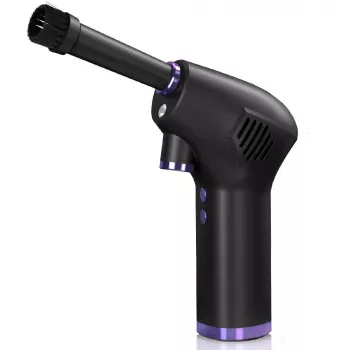
If frequent cleanups are part of the routine, a reusable tool can be more practical than keeping disposable cans on hand. The Powerful Cordless Air Duster is designed for portable dust clearing across electronics, workspaces, and vehicle interiors, and it’s well-suited for routine upkeep in vents and hard-to-reach gaps.
At-a-Glance Details
| Item | Details |
|---|---|
| Product | Powerful Cordless Air Duster |
| Price | $60.67 USD |
| Availability | In stock |
| Product page | https://sleekfavesbay.shop/powerful-cordless-air-duster/ |
More In-Stock Picks for a Cleaner, Nicer Setup
- Vinyl Record Player C260, 3-Speed Bluetooth Vintage Turntable with Speakers — a simple way to make a desk or living room feel more finished after a quick dust-and-reset.
- DIY 3D Owl Clock Wooden Model Kit – Creative Puzzle Assembly Toy for Adults & Kids — a hands-on project that’s easier to enjoy when the workspace stays clear of sawdust and debris.
FAQ
Can a cordless air duster replace canned air for cleaning a computer?
Yes for most routine tasks like keyboards, vents, and filters, especially when the device is powered off and you use short bursts. Sticky grime and fingerprints still need a wipe with an appropriate cloth and cleaner.
Is it safe to blow dust out of PC fans and heat sinks?
It can be safe if the PC is powered off and unplugged, you keep a reasonable distance, and you prevent fans from overspinning by holding them still. Afterward, wipe or vacuum nearby surfaces so loosened dust doesn’t drift back inside.
How often should keyboards and vents be cleaned?
Monthly is a solid baseline for typical homes, while weekly light dusting helps in pet-heavy or dusty environments. If you notice visible lint, louder fans, or warmer devices, it’s time for a quick clean.













Leave a comment